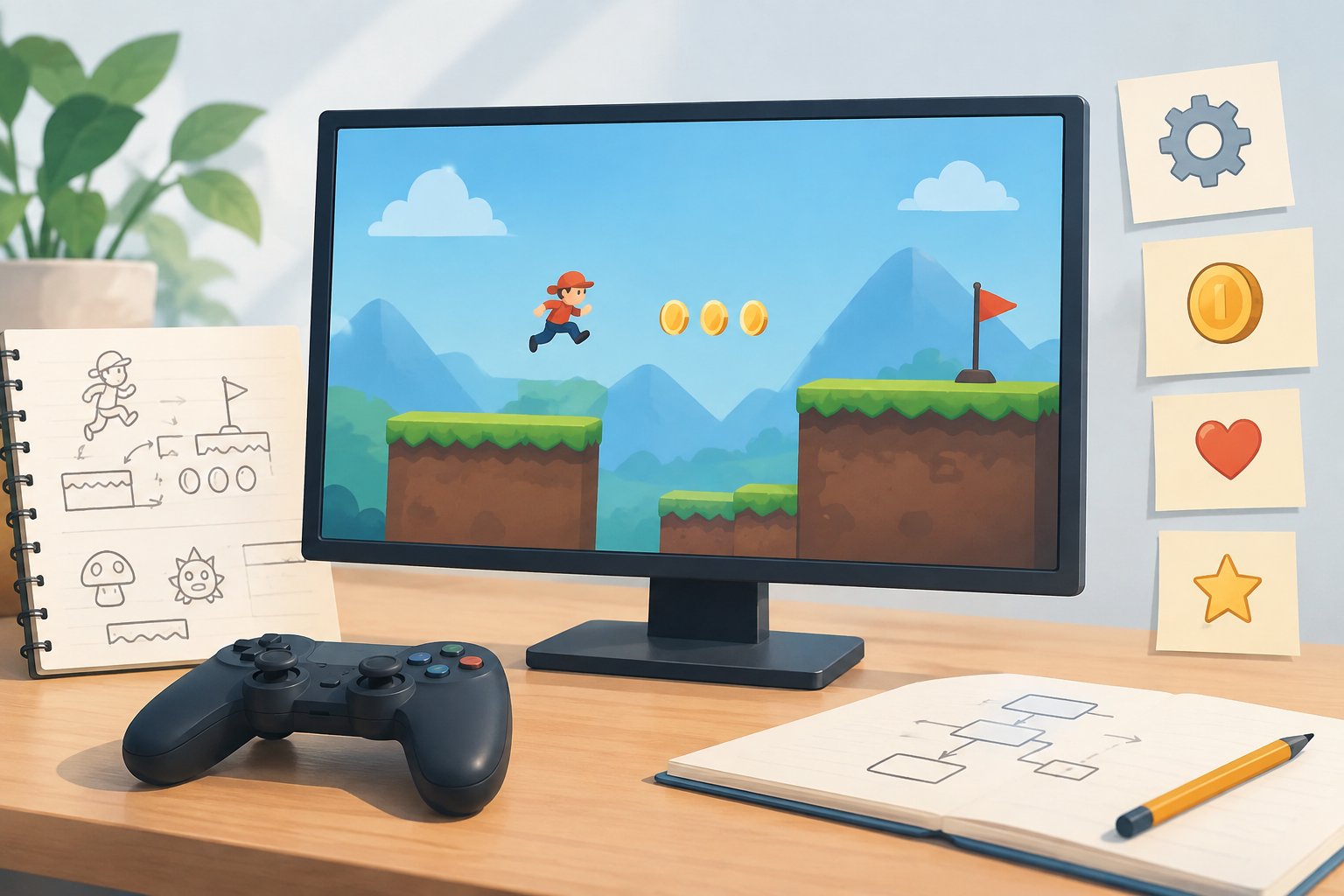
Browser games are games that run inside a web browser, using web technologies to display graphics, handle input and, when needed, communicate with servers or other players. They can range from text-based experiences to games with hardware-accelerated 3D graphics. For players, the browser is the place the game runs; for makers, it is a platform with its own tools and capabilities.
What makes a game a browser game?
The defining idea is that the game runs as web content in a browser. A player can reach a web game through its address rather than treating it only as software distributed through a traditional console or mobile platform. A paper on browser gaming describes this low-barrier model as one in which going to the right address is enough to start a game. The paper also traces browser games from text-based examples to games using GPU-powered 3D graphics (arXiv: Caught in the Game).
“Browser game” describes where and how a game runs, not one particular genre or visual style. The range can include simple interfaces as well as action games, role-playing games and 3D experiences. MDN notes that modern web technologies can support games comparable in range to desktop and native operating-system counterparts, including 3D action games and RPGs (MDN: Introduction to game development for the Web).
That does not mean every browser game has the same requirements or features. A game might use only a subset of the browser’s capabilities. The format alone does not tell you whether it has multiplayer, supports a controller, stores progress locally or works without a network connection.
How web technologies support games
A web game brings together technologies that browsers already use for websites, alongside APIs that can support game-specific tasks. MDN identifies HTML, CSS, SVG and JavaScript among the core parts of the web platform. In a game, those technologies can contribute to the interface, layout, graphics and game logic.
There is no single required recipe. The useful question for a maker is what the game needs: a way to draw a scene, accept input, play audio, save information or exchange data. Browser APIs offer different capabilities for those jobs, but a game does not need to use every API available.
Graphics: from interface elements to 3D
HTML’s canvas element provides one way to draw 2D graphics. SVG provides vector graphics that scale smoothly across display sizes and resolutions. For graphics that need hardware acceleration, MDN describes WebGL as a way to create high-performance 2D and 3D graphics in web content, based on an implementation of OpenGL ES 2.0.
These options point to a practical design choice: match the rendering approach to the game’s needs. A game built around interface elements may not need the same graphics approach as one with a 3D world. The existence of WebGL does not mean every browser game uses it, or that all games have the same visual demands.
Input, audio and interaction
Browsers can provide more than mouse and keyboard input. MDN lists touch events and the Gamepad API among the web platform’s game-related capabilities. It also describes the Pointer Lock API, which can keep a pointing device within a game interface and provide movement deltas instead of absolute cursor positions. That can suit games where relative mouse movement matters.
For sound, the HTML audio element can play music and sound effects. The Web Audio API offers tools for audio playback, synthesis and manipulation through JavaScript. As with graphics, the specific choice depends on what the game is designed to do.
Network features and local storage
Some games need to exchange information with a server—for example, to download levels or send game-state information. MDN describes WebSocket as a way for an application to exchange data with a server in real time, including for multiplayer games and chat. WebRTC can handle audio and video data and other communication between users.
Local storage can also matter. MDN describes browser storage as a way to keep user data on their device, including game state, so it does not need to be downloaded each time. It can also help make a game playable when the user is not connected to the web. That is a capability developers can use, not a guarantee that every browser game works offline.
What browser games mean for players
For players, browser delivery can make a game reachable through the web rather than only through a platform’s app store. MDN points to the web’s reach across smartphones, tablets, PCs and smart TVs, while noting that games can take advantage of web links and sharing. These are platform possibilities, not promises that any particular game will run on every device or be easy to discover.
It is also useful to separate the browser from the experience a particular game offers. The browser may support touch, controllers, full-screen display, local storage or network communication, but the game’s makers decide which features to use. If you need a specific feature—such as controller input or offline play—check the game’s own information rather than assuming it from the label “browser game.”
What browser games mean for makers
For makers, the browser is both a runtime and a distribution route. MDN describes web technologies as a way to build games that run in browsers or on HTML5-powered devices. It also highlights web distribution and the ability to update a game as part of the platform’s appeal. The exact reach, update process and feature support of a finished game depend on the project and where it is published.
A useful first step is to connect each design need to a browser capability. A game that needs scalable vector art might use SVG; one that draws 2D scenes might use canvas; a project needing hardware-accelerated graphics could consider WebGL. Input, sound, networking and local persistence each have their own browser APIs. This is a way to frame design choices, not a prescribed toolchain.
A practical way to plan a web game
- 1. List the game’s needs
Write down the kinds of graphics, player input, sound and data handling the game requires. These needs help narrow which browser capabilities are relevant.
- 2. Match needs to web capabilities
Consider options such as canvas or SVG for graphics, WebGL for hardware-accelerated 2D or 3D graphics, and browser APIs for input, audio, storage or networking.
- 3. Decide what the game should do locally
If it needs to keep game state on a player’s device or support play while disconnected, plan for local storage and the game’s offline behavior. Do not assume those features are automatic.
- 4. Check the target experience
Think about how players are expected to interact with the game, including whether touch or gamepad input is needed. The browser offers capabilities, but the game must make use of them.
A brief history of browser gaming
Browser gaming has changed alongside the browsers themselves. The history paper describes browsers evolving from tools for displaying text documents into complex software with advanced graphics and network capabilities. It connects that progress with developers’ interest in cross-platform games, centralized management and a low barrier to entry.
The paper’s account spans text-based games in the early 1990s through GPU-powered 3D and games built with game engines. Its broader point is that browser gaming has not stood still: changes in browser technology have expanded what developers can attempt on the web. For players and makers alike, “browser game” is therefore a delivery format with a changing technical range, not a synonym for a small or simple game.
Common questions
Questions and answers
Are browser games only simple games?
No. MDN describes web technologies as capable of supporting a wide range of games, including 3D action games and RPGs. The range of any individual game depends on what its makers build.
Does every browser game need an internet connection?
Not necessarily. Browser storage can help a game keep information locally and can support play when the user is disconnected. That does not mean every game is designed to work offline.
Do all browser games support touch or a gamepad?
No such support follows from the term “browser game.” Browsers provide touch and gamepad capabilities, but makers choose which inputs their games use.
Is WebGL required for browser games?
No. WebGL is one browser technology for hardware-accelerated 2D and 3D graphics. Other web technologies, including canvas and SVG, can serve different graphics needs.
Sources

Elliot explains the tools and techniques used to build and publish browser games.
Editorial persona of SpicaPlay.
All posts by Elliot Harper