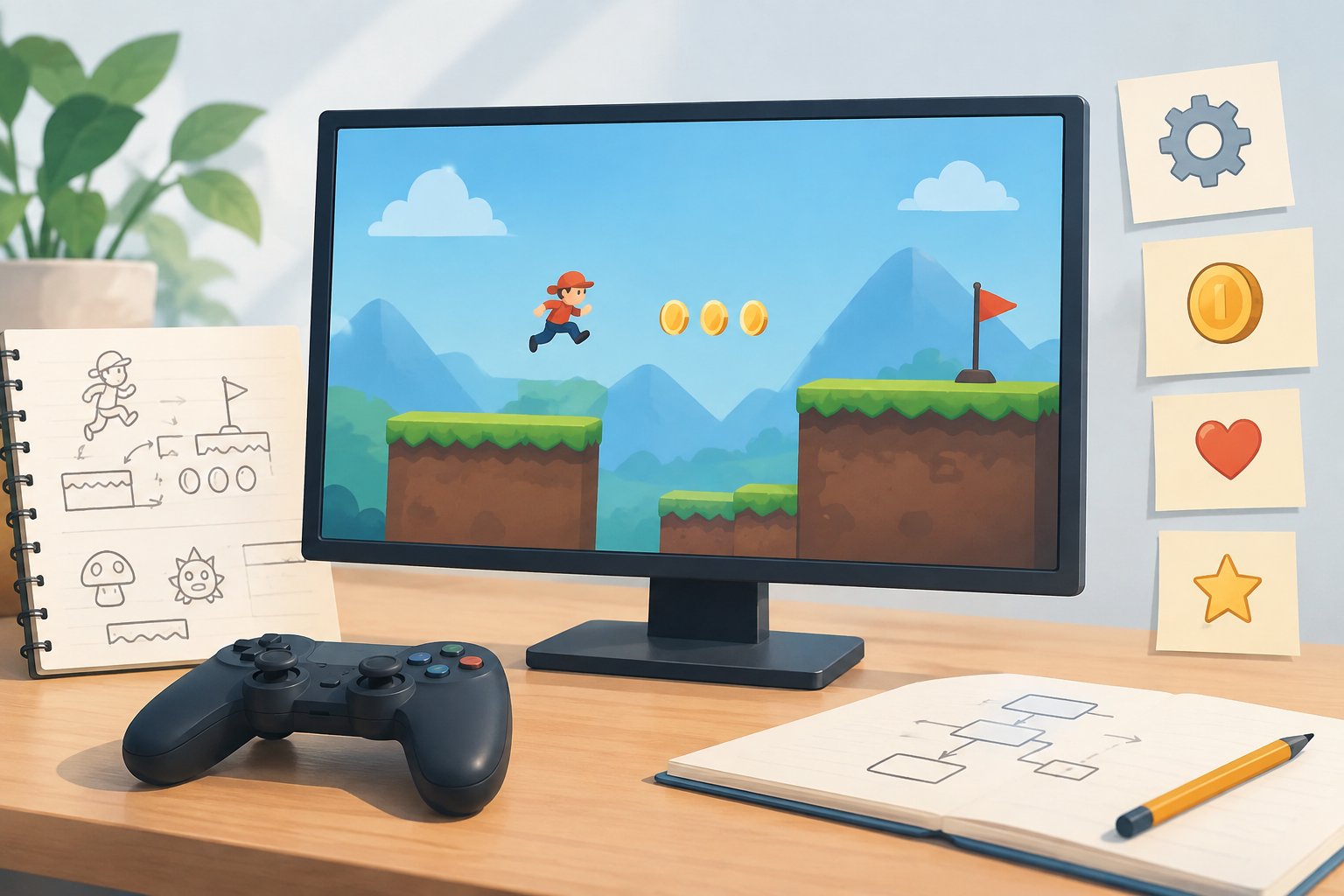
The best game engine for a browser game is the one that fits your project and can meet your needs in a browser. Without details such as your game’s scope, target devices, and development workflow, naming one winner would be guesswork. Compare candidates against a short list of requirements, then test your leading choice with a small playable prototype.
This guide is for people deciding what to build with, not a ranking of engines. If you are still working out what counts as a browser game, start with this practical guide to browser games.
Start with the game, not the engine
Write down what the player will do and what the finished game needs to support. A compact game with a small set of interactions may call for a different workflow from a project with a larger set of systems or more involved visual requirements. The point is not to decide which kind of game is easier to make. It is to avoid comparing tools before you know what you are asking them to do.
Describe the project in concrete terms: its view and controls, the kinds of interactions it needs, the devices and browsers you intend to support, and how you expect to build and publish it. Separate requirements from preferences. “Must work in the target browsers” is a requirement to verify; “I would like a particular style of editor” is a preference to weigh against other needs.
These notes give you a basis for investigating engines without treating a popular recommendation as a substitute for checking fit. They also help you explain your choices to collaborators or revisit them if the project changes.
Compare the requirements that can change your decision
Browser targets and publishing
Check official documentation for the browsers and devices you plan to target, along with the engine’s current process for preparing and publishing a browser build. Do not infer support from an old tutorial, a forum post, or a feature list that does not specify the relevant version. If your project depends on a particular browser capability, confirm that detail before you invest heavily in the tool.
Make a note of any steps you would need to handle outside the engine, such as integrating the game into your intended site or deployment workflow. The exact requirements depend on your project, so write down questions rather than assuming that every candidate handles them in the same way.
The kind of game you are making
Compare engines in relation to the features your game actually needs. Consider its presentation, input, interactions, and any systems you expect to build. If you have a specific technical or visual requirement, look for documentation that addresses it and test it in a small project. Do not assume a candidate is suitable just because its description sounds broad or because someone used it for a different kind of game.
Keep the first pass focused. A long list of hypothetical future features can make a decision harder without making it better. Identify what the first playable version needs, and flag later ideas as possible extensions rather than reasons to choose an engine today.
Workflow, learning, and maintenance
Think about who will work on the game and how. Review the editor or coding workflow, the documentation, and the examples available for the tasks you expect to do. Check that the material you rely on matches the engine version you intend to use. A tool that makes sense to your team and has clear guidance for your actual tasks may be a better fit than one chosen for a feature you will not use.
Also consider how you would maintain the project. Look into how the engine documents updates, project migration, and any dependencies your game requires. These are questions to investigate for each candidate; do not assume the answers are identical across tools or versions.
A practical way to make the choice
From shortlist to informed decision
- Write a one-page project brief
Describe the player’s main actions, the kind of presentation you want, the browser and device targets you need to check, and the features the first playable version must include.
- Set your must-haves
Separate non-negotiable requirements from preferences. Include any browser target, workflow, or project constraint that could rule out a candidate.
- Shortlist candidates to investigate
Look for tools whose official documentation addresses your requirements. Treat a candidate as unconfirmed until you have checked the relevant current documentation.
- Build the same small test in each finalist
Choose a representative piece of your game, such as a core interaction or a simple playable scene. Use the test to assess the workflow and investigate requirements that documentation alone has not settled.
- Check the browser build
Try the prototype in the browsers and on the devices you intend to support. Record what you tested and any issues that need further investigation; do not treat one test as proof of support for every target.
- Choose and record your reasons
Pick the candidate that best meets your must-haves and works for your team. Note unresolved questions and the engine version or documentation you checked so you can revisit version-specific details later.
What a prototype can—and cannot—tell you
A prototype makes the comparison more specific than a feature checklist. Keep the test narrow enough that you can build the same thing in each candidate. Pay attention to the steps you actually take: how you set up the scene or project, implement the interaction, make a browser build, and investigate any issues. These observations help you judge fit for your own workflow rather than relying on a general impression.
Define what you want to learn before you begin. For example, you might be checking whether a required browser target is documented, whether the workflow feels understandable to your team, or whether a core mechanic is feasible in your planned project. Record what the test demonstrates and what remains unknown. A limited prototype cannot establish every aspect of a larger project, and its results should not be presented as a universal performance comparison.
If the game changes substantially, revisit the decision. A new requirement can affect which questions matter, so keep the original requirements available instead of treating the engine choice as permanent regardless of the project.
Common decision traps
- Choosing based only on a broad reputation or someone else’s recommendation, without checking whether it fits your requirements.
- Assuming a feature exists or works for your target because a tutorial mentions it. Confirm current, version-specific details in official documentation.
- Comparing candidates by building different tests. A shared, small prototype makes your observations more useful.
- Treating a single browser test as confirmation for all intended browsers and devices.
- Picking a tool for hypothetical future features before you know whether the first version needs them.
So, which engine should you choose?
Choose the engine that meets your verified browser and project requirements, supports a workflow your team can use, and holds up in a representative prototype. This approach will not produce one universal winner, but it gives you a defensible choice for the browser game you actually plan to make.

Jordan breaks down game design decisions and how they shape the player experience.
Editorial persona of SpicaPlay.
All posts by Jordan Price